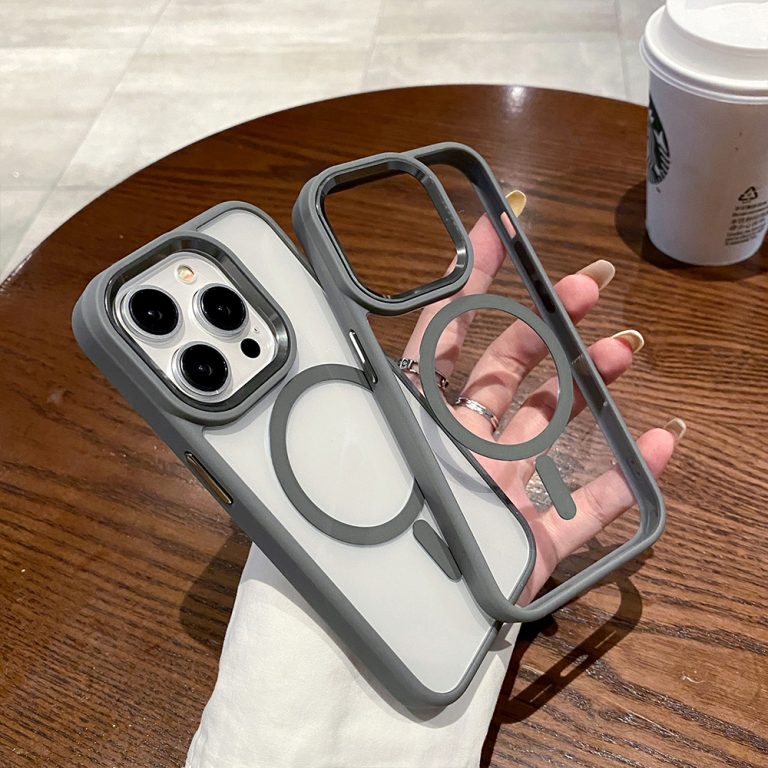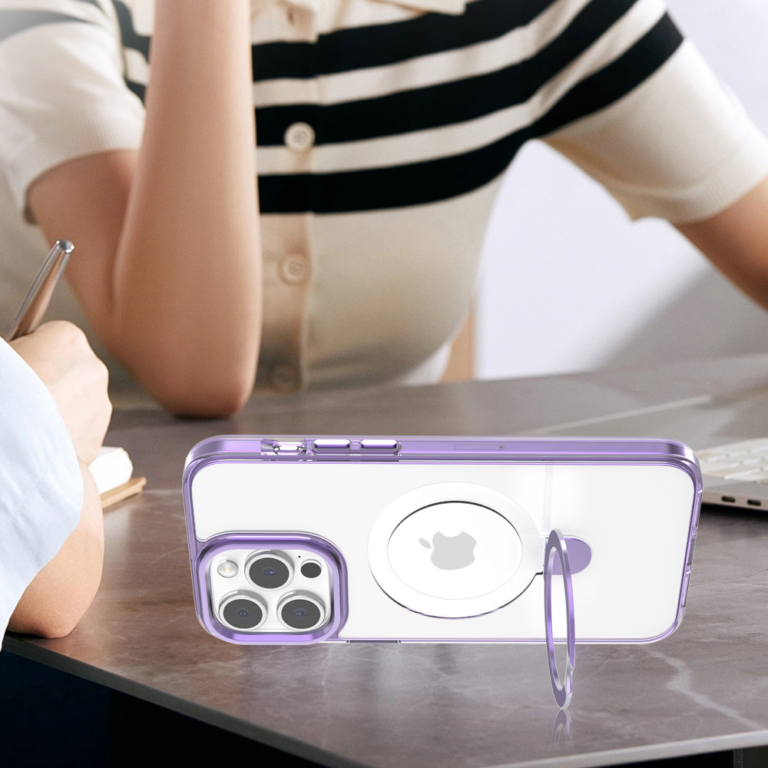
To confirm phone case fit across device model variants, treat every order line as one exact pairing: a specific case SKU matched to a specific phone variant. Record the phone’s marketed name and official model number. Then mark the pairing as a pass only when current supplier documentation names that exact SKU and that exact variant together.
Anything less stays on hold until the supplier clarifies the match. A shared product-family name doesn’t settle phone case compatibility, because one marketed model can carry several official model numbers depending on where it’s sold.
Build one compatibility record for each device–case pairing
Start a matrix with one row for each device variant you intend to pair with each case SKU. If one SKU is meant for three phone models, that SKU gets three rows. Each row carries its own evidence and its own status, so nothing gets approved because a neighbor row was.
| Case SKU / order line | Device variant (name, model number, market) | Fit evidence source | Status |
|---|---|---|---|
| Line 001, SKU [A] | [Marketed model 1], [model number], US | [Supplier document, date, exact listing] | Unverified |
| Line 002, SKU [A] | [Marketed model 2], [model number], US | [Supplier document, date, exact listing] | Unverified |
| Line 003, SKU [B] | [Marketed model], [model number], US | [Supplier document, date, exact listing] | Unverified |
Every row starts as unverified. The status changes only after you review the evidence in that row, never because the device name looks familiar. The rule for moving a row to pass or hold sits in the final section below.
Keep sample notes out of the evidence column. If you review a physical sample, log it in a separate note with the sample’s SKU, the phone it was checked on, and what you observed. That way a sample result for one unit isn’t mistaken for supplier documentation that covers the pairing or the full order.
Splitting rows by variant also matches how you’ll likely split bulk quantities by model and SKU on the purchase order. If you’re planning a clear case assortment with several SKU roles, the same matrix keeps each role tied to the phones it’s meant for.
Identify each device variant from official model information
Fill the device column from the phone maker’s own model information, not from a retailer listing or a case label. Record the marketed name and the official model number on the same row, and keep the market (such as the US) next to it when the manufacturer lists regional versions.
- Apple iPhone: Apple publishes model numbers by region. For example, Apple’s regional iPhone 17 Pro model numbers include A3256 for the United States and Puerto Rico, A3524 for mainland China, and A3523 for other countries and regions. Write the code that matches the market you’re stocking. The code tells you which phone the row means. It doesn’t tell you whether any case fits it.
- Samsung Galaxy: Samsung’s Galaxy model-number instructions point to Settings, then About phone or About tablet, to view the model number. Samsung also notes that screens and settings may vary by carrier, software version, and device model, so the menu may not look identical on every unit. If your Samsung case wholesale plan spans several Galaxy series, each model still needs its own row.
- Other brands: Use that brand’s official identification page or support guide. Don’t borrow the Apple or Samsung path, since menus and model-number formats differ by maker.
Once the device column is complete, you know exactly which phone each row describes. You don’t yet know whether the case fits it. That comes from the case side.
Require exact case-SKU evidence before marking a match
A row needs case-side evidence that names both the exact case SKU and the exact device variant. Official phone pages identify the device, but they say nothing about any case. Work through each row in this order:
- Request a current fit record. Ask the supplier or case maker for compatibility documentation, a catalog specification, or a product manual that lists the exact SKU against the exact marketed model. Note the document name and date in the evidence column.
- Match the wording to your row. The listed model should match the marketed name on your row. A family label such as a series name, or a listing that names only a sibling model, doesn’t cover a variant it doesn’t name.
- Split multi-model listings. If one SKU is listed for several phones, give each named phone its own row and check each one separately. Variants that aren’t named in the listing aren’t covered by it.
- Flag what’s missing. If the record leaves out the model, uses a vague label, or is outdated, note the gap in the row. That note becomes your clarification request.
- Treat samples as supplementary. A sample check adds observations about the tested unit. It doesn’t replace a record that ties the SKU to the variant.
Hold any pairing the evidence does not establish
Mark a row pass only when its exact device variant and exact case SKU have a documented, current match. Keep every missing, incomplete, or ambiguous row on hold. A filled-in model number is not a fit approval on its own.

For a held row, send the supplier a clarification request that names the case SKU, the marketed model, and the model number, and ask them to confirm the pairing in writing. Leave the row on hold until that confirmation arrives and matches the row.
A sample screen can add useful observations while you wait. First confirm the sample is the SKU you’re assessing, and use the correctly identified phone or a dummy of that exact model. Then run phone-case sample-fit checks against the intended model: whether the case fits properly and whether it blocks the camera, charging port, speaker, microphone, buttons, or sensors. A real phone or dummy phone allows a more accurate check. Depending on the design, you can also check button response and charging access.

Record each observation in the sample note. A clean result describes that sample only. It isn’t a complete acceptance protocol, and it doesn’t prove every production unit. An unidentified or undocumented sample that seems to fit is never a reason to switch a row to pass. Before production, align the approved sample with the final order through quality control before mass production, and release only the rows marked pass.
FAQs
Does a different regional model number mean I need a different case?
Not necessarily, and not necessarily the same case either. A regional code, like the US and other-market codes Apple lists for iPhone 17 Pro, identifies the phone version. It doesn’t show whether the fit differs. Ask the supplier whether their fit record covers the model number and market on your row.
What if the Galaxy settings screen doesn’t match Samsung’s instructions?
Samsung notes that screens and settings can vary by carrier, software version, and phone model. Look for the About phone or About tablet entry under Settings. If you still can’t find the model number, use Samsung’s support page for that device rather than guessing from the box name.
Can I order one SKU for every model in its compatibility listing?
Only for the models the listing actually names, and each one still needs its own row and status. Don’t extend the listing to unnamed variants that share the family name. If you want the SKU for an unlisted variant, ask the supplier to add that variant to the fit record first.
Is a dummy phone good enough for a sample check?
A dummy can work when it matches the exact model on the row. Inspection guidance notes that a real phone or dummy phone makes fit checks more accurate than checking without one. Some checks, like charging access on a working device, may need a real phone depending on the case design.